Milometry
Notifications and reminders
Which notifications Milometry sends, which ones are on to start with, and how it holds its questions until you have parked.
Chapters
Transcript
General information, not advice. Written as general information on 27 September 2026. Details change, so check the official source or a qualified professional before you rely on it. This is not legal, tax or financial advice.
Milometry's notifications do two jobs: tell you what happened on a drive, and nudge you to sort your trips while you still remember them. Every one is scheduled and delivered by your phone itself. There is no push server, so no notification passes through us.
1. Allow notifications
The app asks during first setup. If you said no, or want to check, switch on any reminder in Settings → Notifications and your phone asks again. If it does not, allow notifications for Milometry in your phone's own settings.
2. Choose your reminders
Open Settings → Notifications. Each reminder has its own switch.
Workday rhythm (both off to start with):
- Morning start: weekdays at 9:00.
- Evening sort: weekdays at 17:30, to sort the day's trips while they are fresh.
These two only go on days and times inside your Travel hours, and they are taken off the schedule while a trip is recording, so they do not land on you in the middle of a recorded drive.
Recaps (both on to start with):
- Friday recap: Fridays at 17:45, your week in miles and money.
- Monthly summary: the 1st of the month at 9:00.
Housekeeping:
- Sunday tidy (on): Sundays at 17:00, to clear unsorted trips before the new week.
- Sorting reminders (on): a nudge if five or more trips have waited unsorted for about three days. Sorting them cancels it.
- Fill-up nudge (off): Saturdays at 9:30, to log fuel for your real MPG.
- Tax year deadline (on): 9:00, eight days before your claim year ends. The line under it gives the dates, which follow your mileage scheme.
Tapping a sorting reminder opens the Classify tab, ready to swipe.
3. The ones around a drive
Under Around a drive are notifications that arrive when something happens, not at a set time:
- Trip saved (on): when a drive ends by itself, with Business and Personal buttons so you can sort it from the lock screen once you have parked.
- Recording started (on): when the app begins a trip for you. It arrives quietly and asks for nothing.
- Recording interrupted (on): if the app is closed while a trip is running. Also quiet. Once you have parked, open the app to save what it recorded.
- Keep this trip?: asked after the drive when recording is set to Ask me afterwards. That choice is made in Settings → Tracking, not here.
- Trip in progress (Android only): shown the whole time a trip is recording. Android requires it, so it cannot be switched off.
4. Questions wait until you have parked
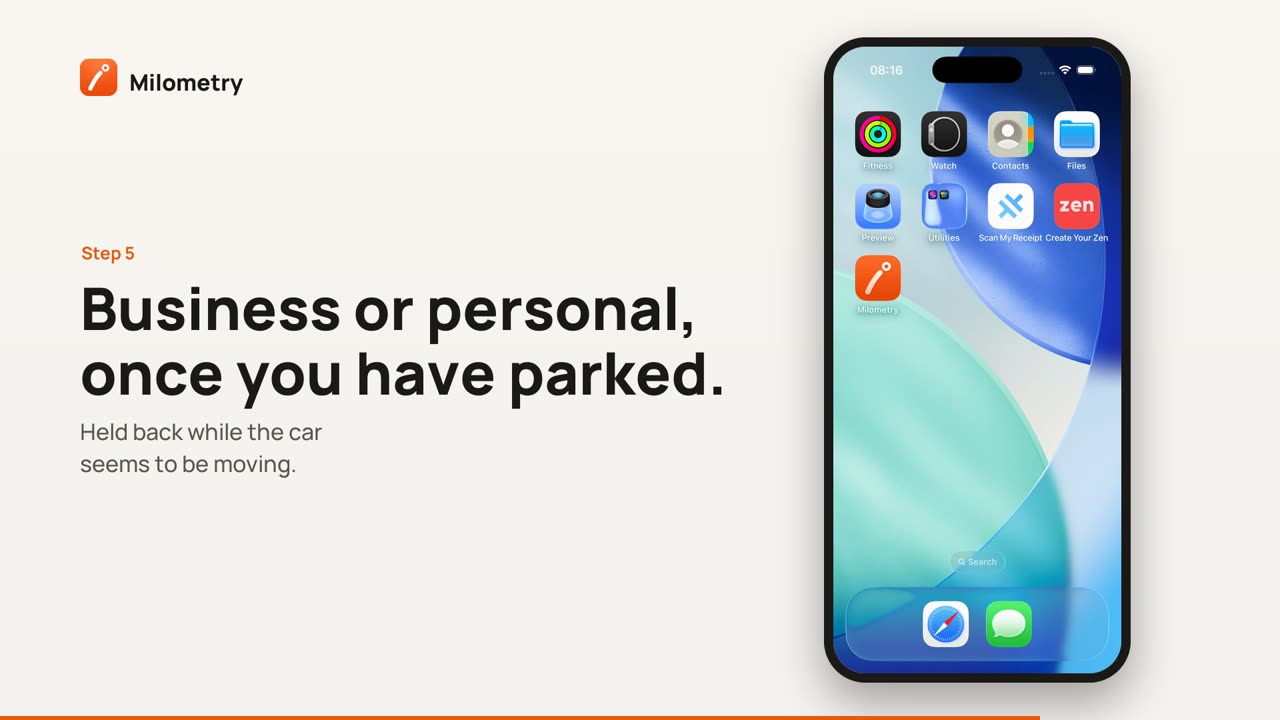
In the UK it is illegal to hold and use your phone while driving, even when you are queuing in traffic. So anything that asks you to do something (the Trip saved buttons, Keep this trip?, Was that a train? or Was that a bus?, and on Android Your last drive was not recorded) goes through one check first.
If the app thinks the car is moving, the question is held back instead of shown. It counts the car as moving when a recording trip has gone faster than walking pace in the last few minutes, when CarPlay is connected, or on Android when your car's Bluetooth is connected. The held question is asked later, when a trip ends, CarPlay disconnects, Android notices you walking, or you open the app. The trip itself waits on the Classify tab either way.
None of this needs a tap from you on the road. Everything can wait until you have parked.
5. Quiet mode and the lock screen
- Quiet mode. While it is on, the notifications around a drive are not shown. Reminders due during a quiet spell you switched on yourself are held off until it ends or you next open the app. See Trains, buses and quiet mode.
- Lock screen. On Android, 1.1.0 shows what a recording or saved trip notification says only once the phone is unlocked; the lock screen just shows that there is one. On iPhone, choose in the iPhone Settings app under Notifications → Show Previews.
If something is not right
- No reminders at all. Check that notifications are allowed for Milometry in your phone's settings, and that the switch is on in Settings → Notifications.
- A reminder came later than expected. A question held while you were driving is asked once you stop, and a reminder skipped during quiet mode comes back when you next open the app.
- In versions before 1.1.0, Ask me afterwards was called Remind me, and it sent a reminder as you drove off rather than asking after the drive.