Milometry
App lock and privacy
Lock Milometry behind Face ID, Touch ID, a fingerprint or your passcode, and know exactly what the lock hides and what it does not.
Chapters
Transcript
General information, not advice. Written as general information on 27 September 2026. Details change, so check the official source or a qualified professional before you rely on it. This is not legal, tax or financial advice.
Your journeys say a lot about where you go. If other people pick up your phone, the app lock keeps Milometry's screens covered until you prove it is you. This tutorial sets it up and is honest about its limits.
1. Set up your phone's own lock first
The app lock uses your phone's check, so that has to exist:
- On iPhone, set up Face ID or Touch ID in the iPhone Settings app.
- On Android, add a fingerprint, face unlock or a screen lock PIN in your phone's settings.
If you skip this, Milometry tells you (No Face ID set up, or No screen lock set up) and leaves the lock off.
2. Switch the lock on
- Open Settings → Privacy.
- Under App lock, switch on the lock. On iPhone the switch reads Require Face ID.
- Your phone asks you to confirm, with the message Confirm to enable the app lock. Look at the phone or touch the sensor. On iPhone, the first time, it may also ask whether Milometry can use Face ID: allow it.
The switch stays on once the check succeeds.
3. What happens now
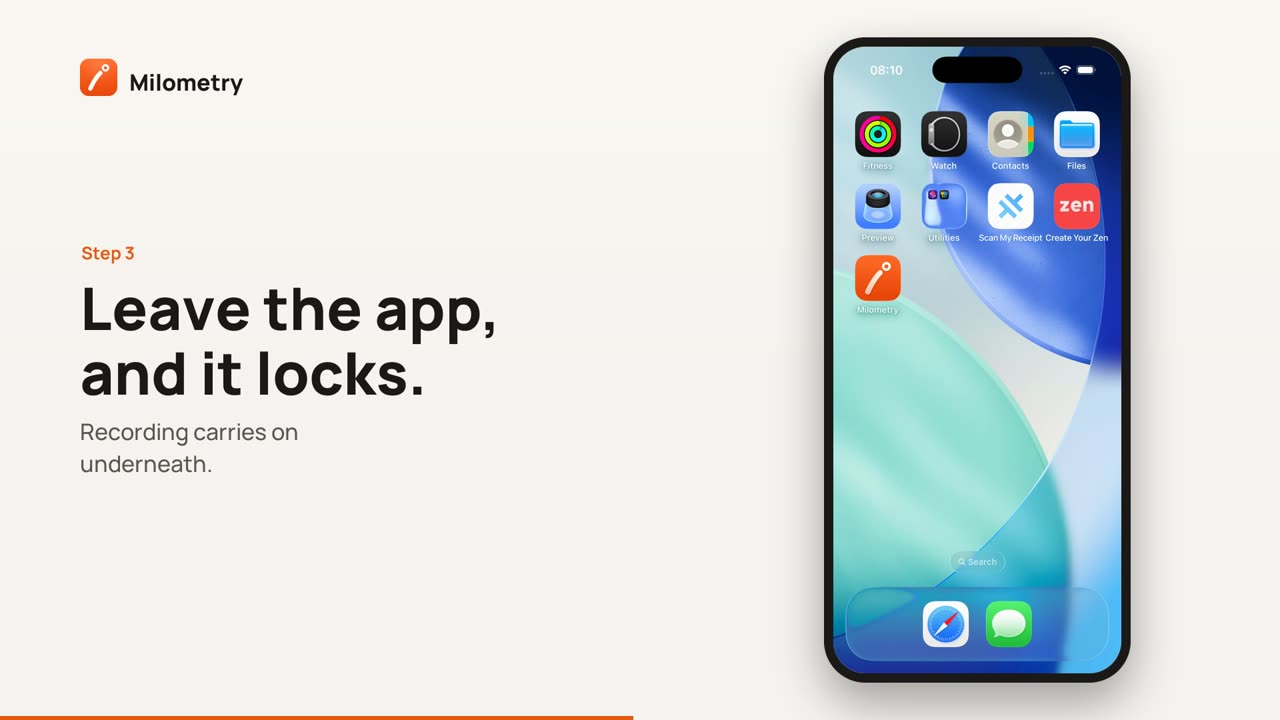
- Whenever you leave Milometry and come back, it shows an orange cover saying Milometry is locked and asks for Face ID, Touch ID, your fingerprint or face. Your phone's passcode or PIN works too.
- If you cancel, the app stays locked with an Unlock button. If the check fails, it says so and offers Try again.
- On iPhone, the app switcher shows the cover rather than your trips.
- Recording is not affected. A trip in progress keeps recording while the app is locked.
The check is done by your phone, which tells Milometry only yes or no. Your face or fingerprint is not available to the app.
What the lock does not do
Be clear about these before you rely on it:
- It hides the app; it does not encrypt your data. Your data is protected by your phone's own encryption when the phone has a passcode.
- Other places can still show trip details. On iPhone: widgets, notifications, the Live Activity and CarPlay. On Android: widgets and notifications.
- Files you exported are outside the app. On iPhone, the exports and backups the app writes are in the Files app under On My iPhone → Milometry, and anyone who can unlock the phone can open them. A backup passphrase seals the backup files (see Backups and auto-export).
- With no screen lock at all, there is nothing to check against, so the app opens.
To keep trip details off the lock screen: on Android, 1.1.0 shows what a recording or saved trip notification says only once the phone is unlocked. On iPhone, choose in the iPhone Settings app under Notifications → Show Previews.
The rest of the Privacy screen
Below the lock, Settings → Privacy explains in the app's own words:
- Your data: your trips are stored on this phone, and there is no account or server of ours.
- When the app goes online: place names and maps come from Apple on iPhone and Google on Android, which receive the map points involved; the update check; our pages that open inside the app.
- Optional permissions: what location, motion, calendar and (on Android) nearby devices are used for.
- Deleting your data: what Reset removes. See Reset and start again.
Read the privacy policy opens the full policy.
If something is not right
- The switch turns itself off again. The confirmation was cancelled or failed. If it failed, rather than being cancelled, the app says App lock is still off. Try again, and check your phone's own Face ID or fingerprint settings.
- In versions before 1.1.0, the lock did not cover the app switcher, and opened the app if the check itself went wrong.