Milometry
Get your real MPG, and use it
Log a fill-up in a few seconds, read the economy card, and let your measured MPG price every trip.
General information, not advice. Written as general information and correct as far as we know on 27 September 2026. Tax rules change, and how they apply depends on your own circumstances. This is not tax, legal or financial advice: check with an accountant, a tax adviser or HMRC before you rely on it.
The MPG in your car's brochure is a laboratory figure. The one that matters is what your car returns on your roads, and the only way to know it is to measure it. Milometry measures it from your fill-ups, then uses it to cost your trips.
1. Log your fill-ups
Once you have parked at the pump, open Log fill-up from the notebook button on the Track tab, or from Settings → Fuel & fill-ups with the + button. For real MPG, two things matter more than the rest:
- Odometer (miles, optional). The app lets you leave it out, but a fill-up without it counts towards what you spent, not towards your MPG.
- Filled to full. Leave it on when you fill the tank to the brim, and switch it off for a top-up.
A fill-up is dated when you save it, so logging it on the forecourt keeps the date right. Logging a fill-up goes through the screen field by field.
2. Read the economy card
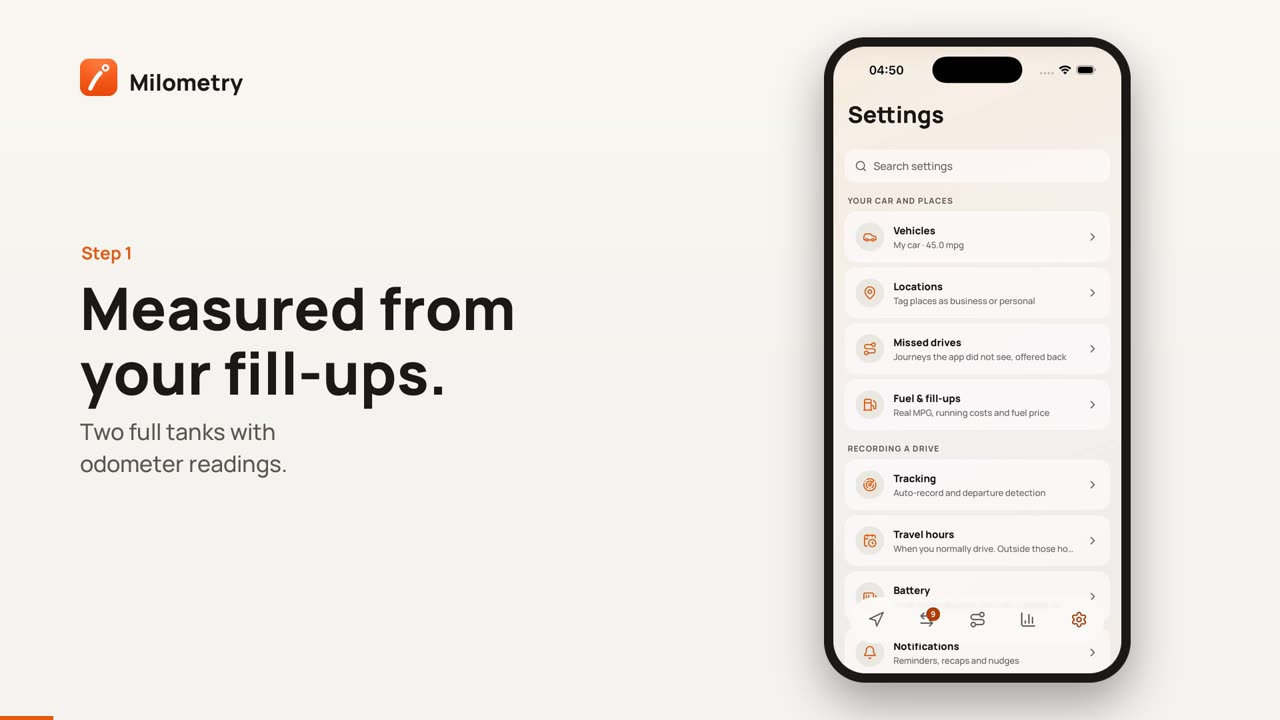
Open Settings → Fuel & fill-ups. Real MPG needs two full tanks with odometer readings. Until then the card says so. That is how the measurement works: the miles between two brim-full fills, against the fuel it took to fill up again, is the honest figure.
Once it has two, Real-world economy shows:
- Your MPG over your last tanks (up to five). It is worked out from the total miles and litres of those tanks, so a long motorway tank counts for more than a short town one.
- A trend against your average over every tank, so you can see the winter dip or a brake that is dragging.
- Cost per mile, from that MPG and the average price you paid.
- Best tank and Worst tank, and how many tanks have been measured.
Each fill-up card below shows the MPG of the tank that ended there. A top-up carries a PARTIAL label. Its fuel is not wasted: it is added to the tank it belongs to, and the MPG appears when the next full tank is logged.
With more than one car, tap a car's name above the list to see its figures on their own, or All cars to see everything.
3. See it on your trips
Once Milometry has a measured MPG for a car, it costs that car's journeys with it instead of the brochure figure. Open any trip from the Trips tab and look under the cost: it says either "measured from your fill-ups" or "your car's stated" MPG, so you always know which one you are looking at. The same figure feeds passenger splits and the calculator.
4. Spot miles you forgot to record
Odometer readings do one more job: they check your trip log. If your odometer says 480 miles passed between two fill-ups and your trips only add up to 350, about 130 miles went unrecorded, and business miles that are not in your log are left out of your claim figures.
When that happens, Insights shows an Unlogged mileage card. Tap one of the gaps listed on it to open a new trip with the distance filled in and dated inside the gap, then check it and save. Small differences, such as moving the car on the drive, are ignored on purpose.
If something is not right
- No MPG after several fill-ups. Check that at least two of them were logged with Filled to full on and an odometer reading. A fill-up with no odometer reading is treated like a top-up.
- A fill-up has a typo. Fill-ups cannot be edited. Tap the bin icon on its card, confirm, and log it again. Your MPG is worked out again straight away.
- You keep forgetting to log them. Turn on Fill-up nudge in Settings → Notifications. It comes on Saturday mornings.